 Zyncify
📸 Scan & Save
Scan & Save paper cards
Point your camera at any visiting card. Zyncify reads name, company, phone, email and more — then saves it as a lead you can act on later.
How to use
-
1
Open Scan From Home, tap the scan button (or use the home-screen widget).
-
2
Capture the card Take a photo or pick one from your gallery. Keep the card flat and well lit.
-
3
Review extracted fields Check name, title, company, phone, email — edit anything before saving.
-
4
Save as a Lead/Contact Store the contact in your leads list. Export to Excel later if needed.
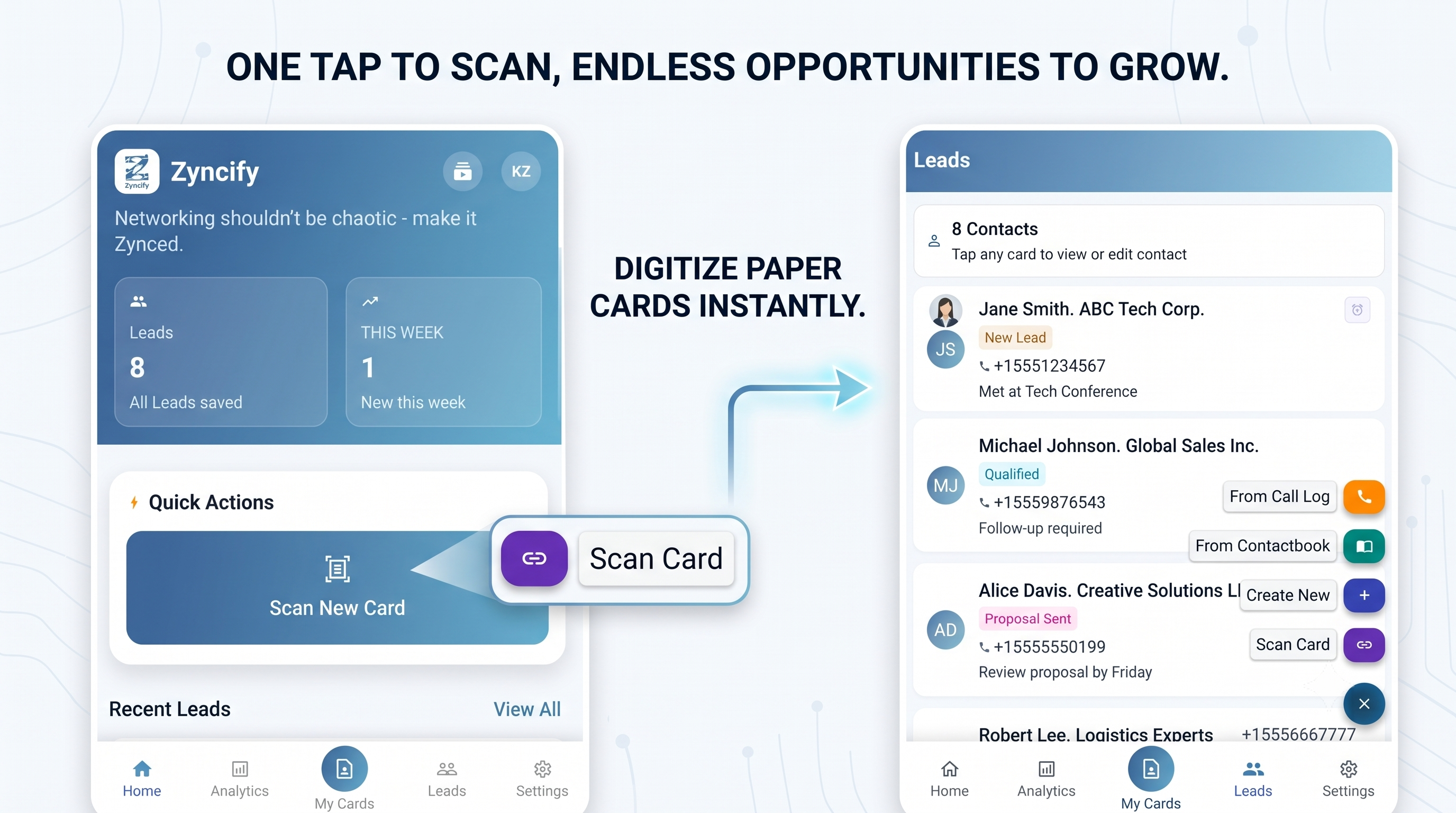
Image placeholder — Scan main
Add:
Suggested: phone screenshot of card scan screen
images/feature-scan-main.pngSuggested: phone screenshot of card scan screen
Scan result
images/feature-scan-result.pngLead saved
images/feature-scan-saved.png